
Verifying event badges and visitors with QR check-in
Build a clear reception process for guest verification, duplicate scans, invalid codes and exceptions, then review actual arrival records.
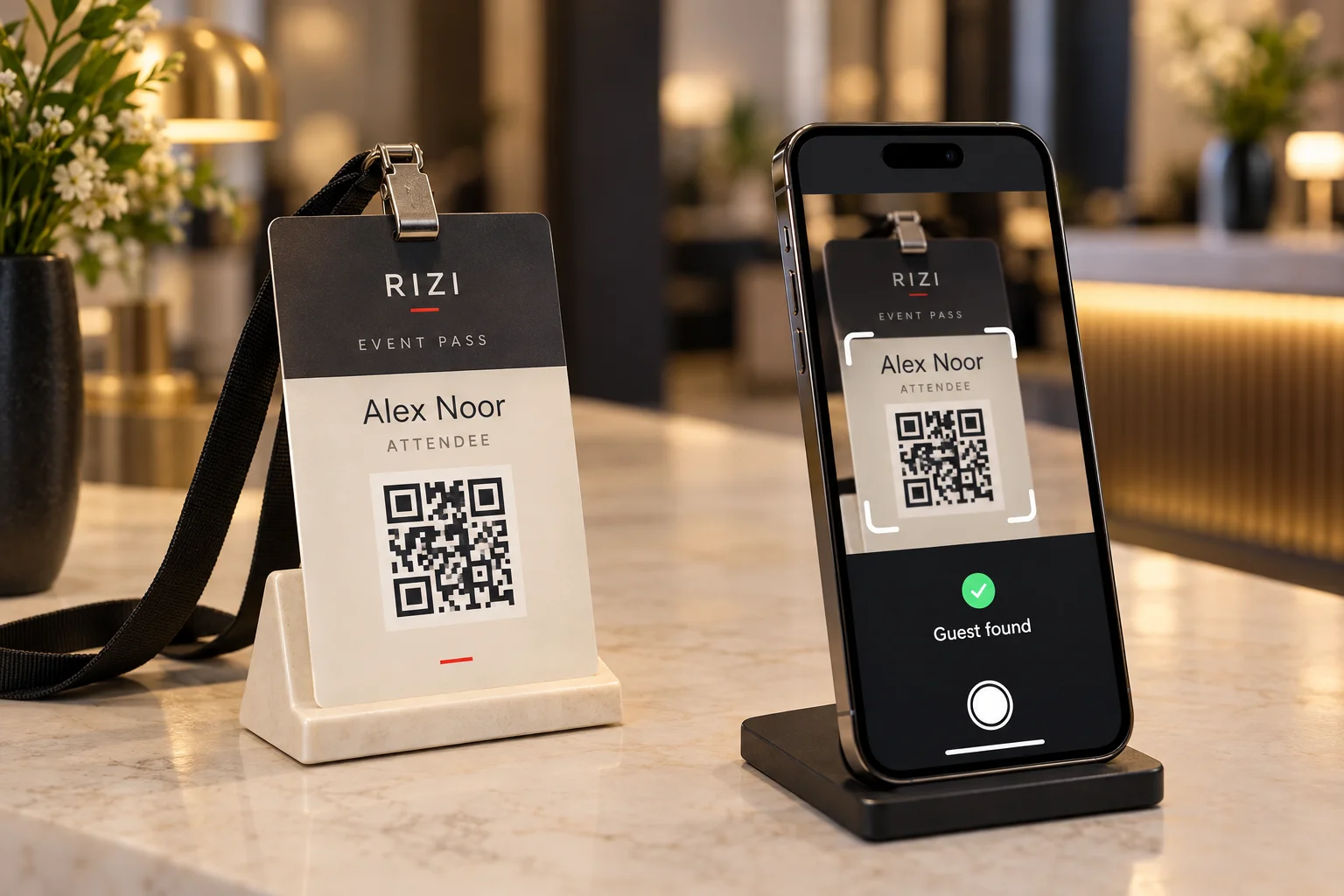
A successful QR scan is the beginning of a reception decision, not the whole decision. The team still needs to confirm the event, identify the guest, interpret the record and take the appropriate arrival action. Opening a camera link is different from recording a valid check-in.
For conference and exhibition organizers, a clear verification process helps prevent confusion at busy entrances while keeping exceptions away from the main queue.
Prepare the reception team and device
Use the reception tool configured for the event and accounts authorized for that role. Confirm the correct event before scanning, test camera permission, charge devices and arrange the agreed network connection. A shared personal login makes it harder to manage access and handovers; use the account arrangements provided for your event.
Brief staff on the categories they will see and who can resolve an exception. Keep an escalation contact available. The public badge design should not reveal private contact details just to make a manual lookup easier.
Read the result before admitting the guest
Present the code clearly, allow the camera to focus and check the information returned. Confirm the guest and event rather than relying only on a green screen, a premium-looking card or the person’s familiarity with the venue.
Record arrival through the supported check-in action. In Rizi’s guest check-in flow, arrival is a separate operation from creating a badge. A role label such as VIP identifies a category; the team must still follow the actual event rules for restricted areas or sessions.
Handle the common exceptions
- Already checked in: investigate whether the same guest is returning, another person presented the code, or staff scanned twice. Follow the agreed re-entry policy.
- Guest not found or invalid code: confirm that the person opened the correct event pass and refer the record to the authorized organizer.
- Unreadable print: try the original digital pass, improve lighting, and check for glare or damage before replacing the card.
- Name mismatch: verify the registration with the responsible team; do not overwrite a record simply to keep the queue moving.
- No connection: follow the tested offline workflow if one has been configured. Otherwise use the agreed exception desk procedure.
Do not assume every badge token and every reception scanner support the same offline behavior. Synchronization and cross-device duplicate handling need an actual rehearsal for the deployed setup.
Keep the QR code readable
Preserve the white margin around the symbol, maintain strong contrast and avoid decorative overlays. Test the printed card inside its holder. A reflective sleeve, an undersized symbol or a low-brightness phone screen can make scanning harder even when the underlying record is valid.
Keep guest credentials private. Do not post a real attendee’s QR code in promotional material, group chats or public troubleshooting screenshots. Use designated test records when training staff.
Review arrivals after the event
Compare the guest list and recorded arrivals, resolve pending exceptions and identify test registrations before using the final report. Invitations sent, positive RSVPs and arrivals are different totals; presenting one as another can mislead your team.
Read badges versus RSVP cards to clarify the guest journey, or use the badge activation checklist before your next opening. For a planned reception service, discuss the staffing and coordination scope with Rizi White Glove.